
Customize hotkeys, organize layouts and play on multiple platforms simultaneously with maximum efficiency.
Design your layout however you like and align screens using the “Using Custom Layout” option, the align button, or via hotkey.
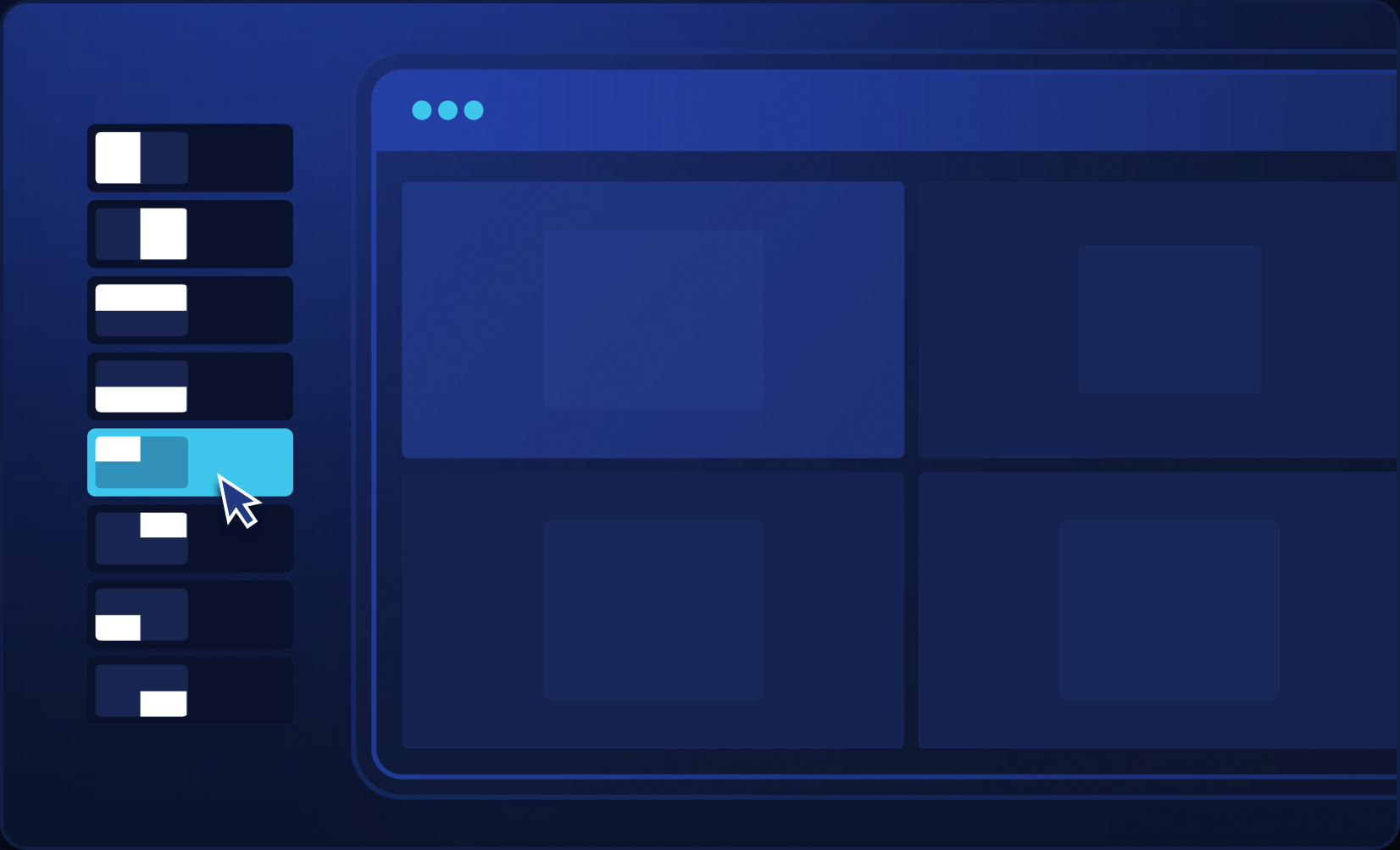
Fold – * If you use the right mouse button to fold, disable the use of the right button for table customization in the rooms; if there is a native room hotkey, also disable it and change the room language to English – Explainer video.
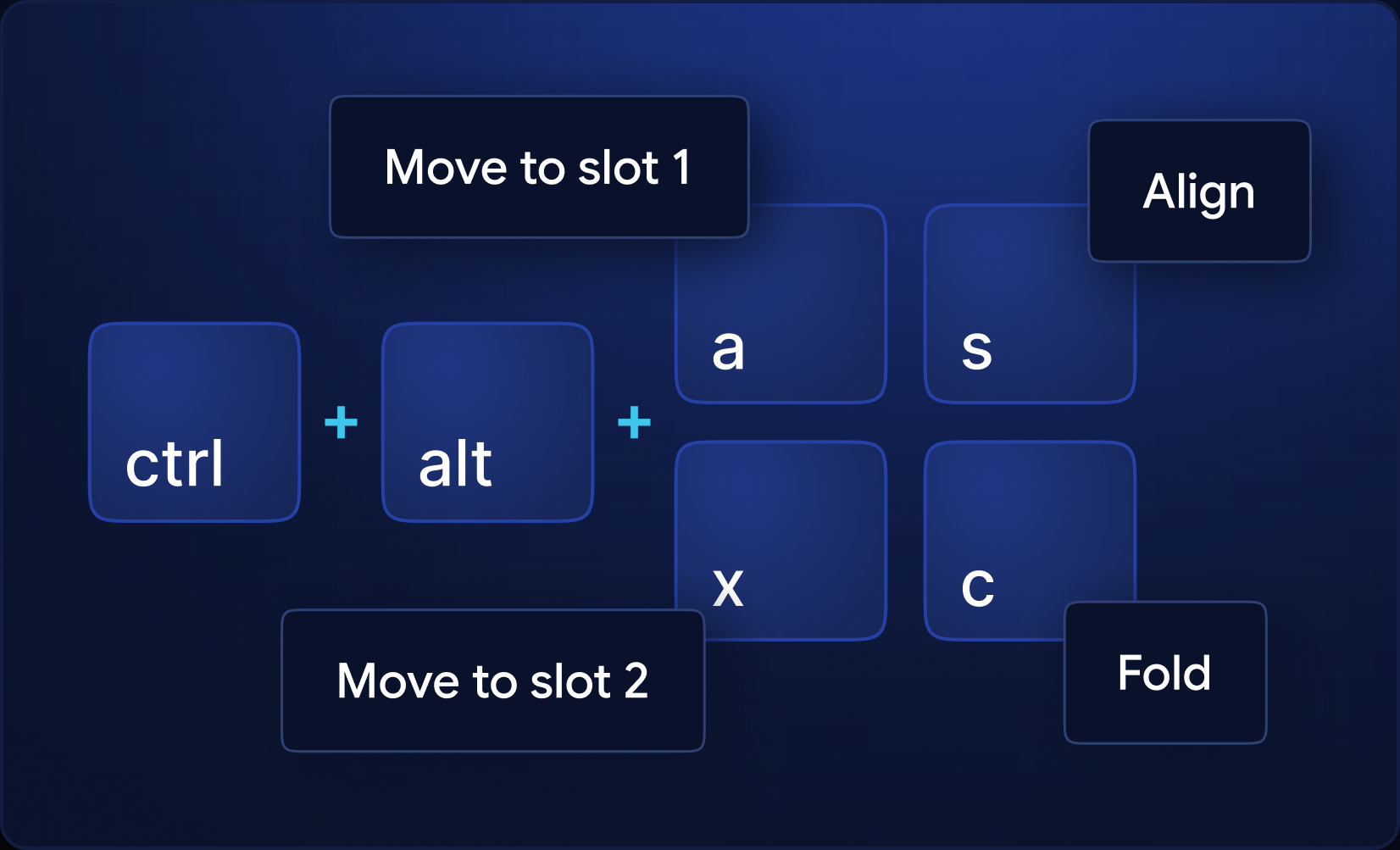
When this option is selected, whenever you hover your mouse over a table, it gains focus (foreground).
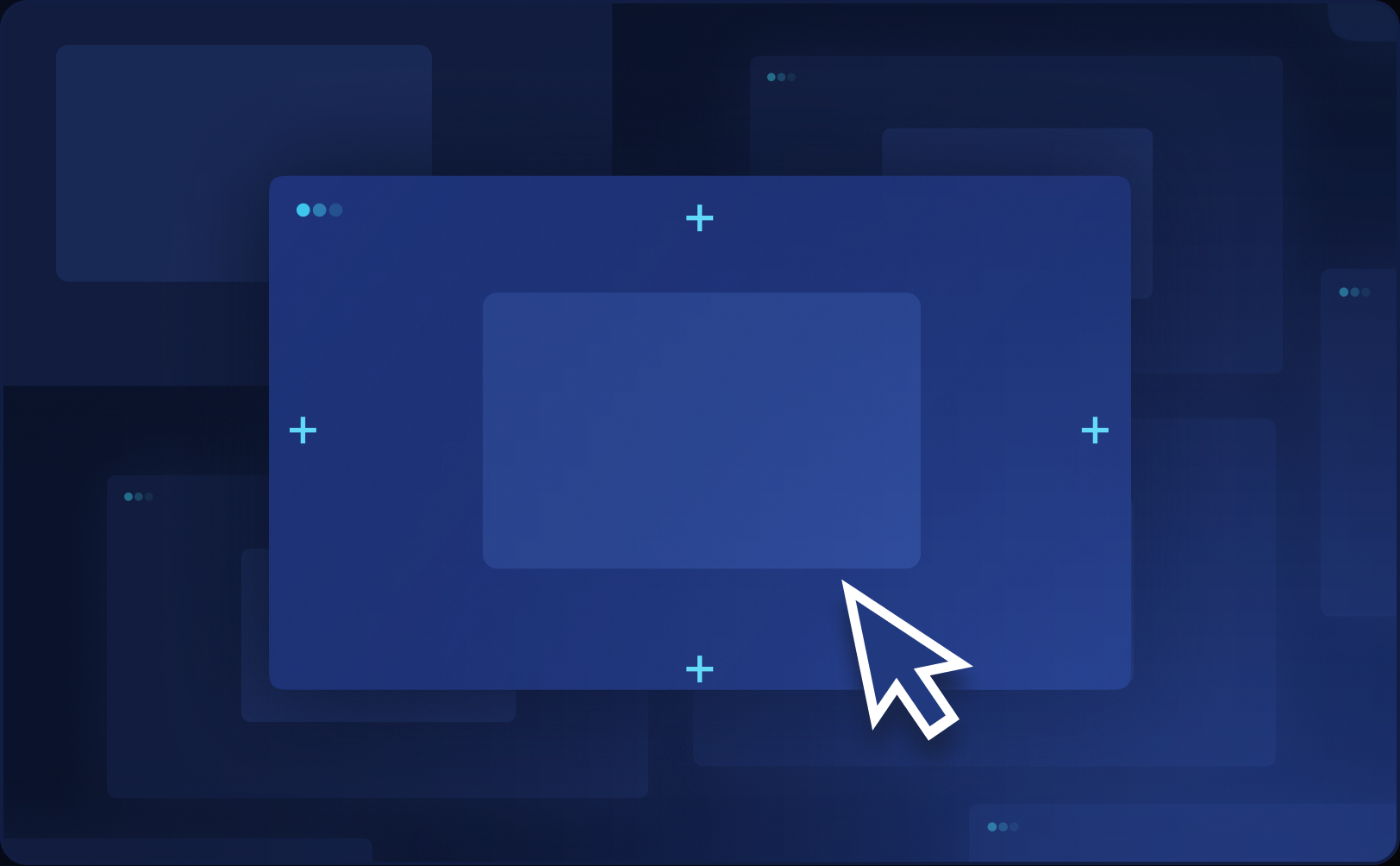
Organize your multi-tabling (for multiple sites at once) in tiled mode by pressing the align button or via hotkey.
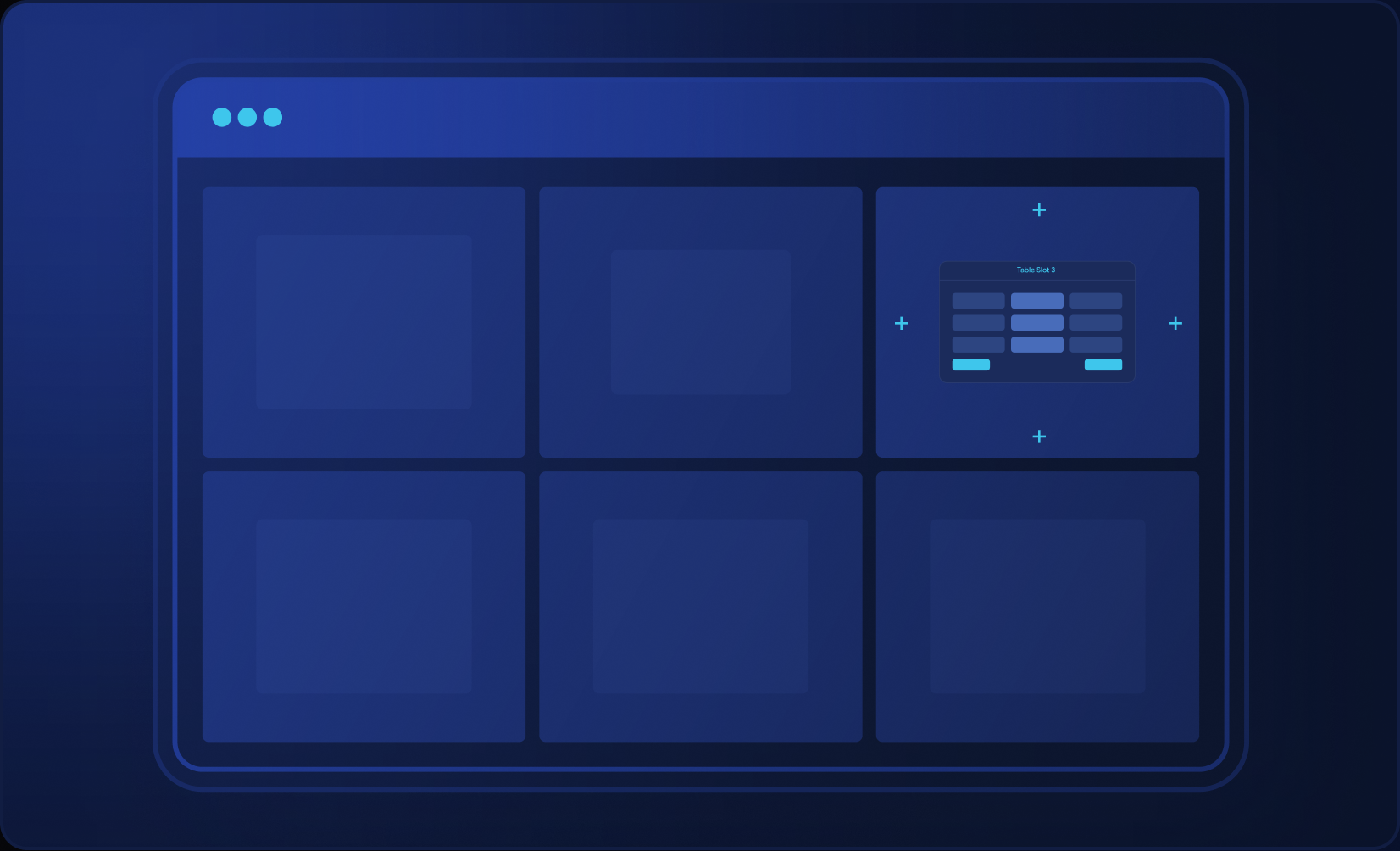
If this option is checked, screen alignment will only be done on the monitor where the mouse is positioned.
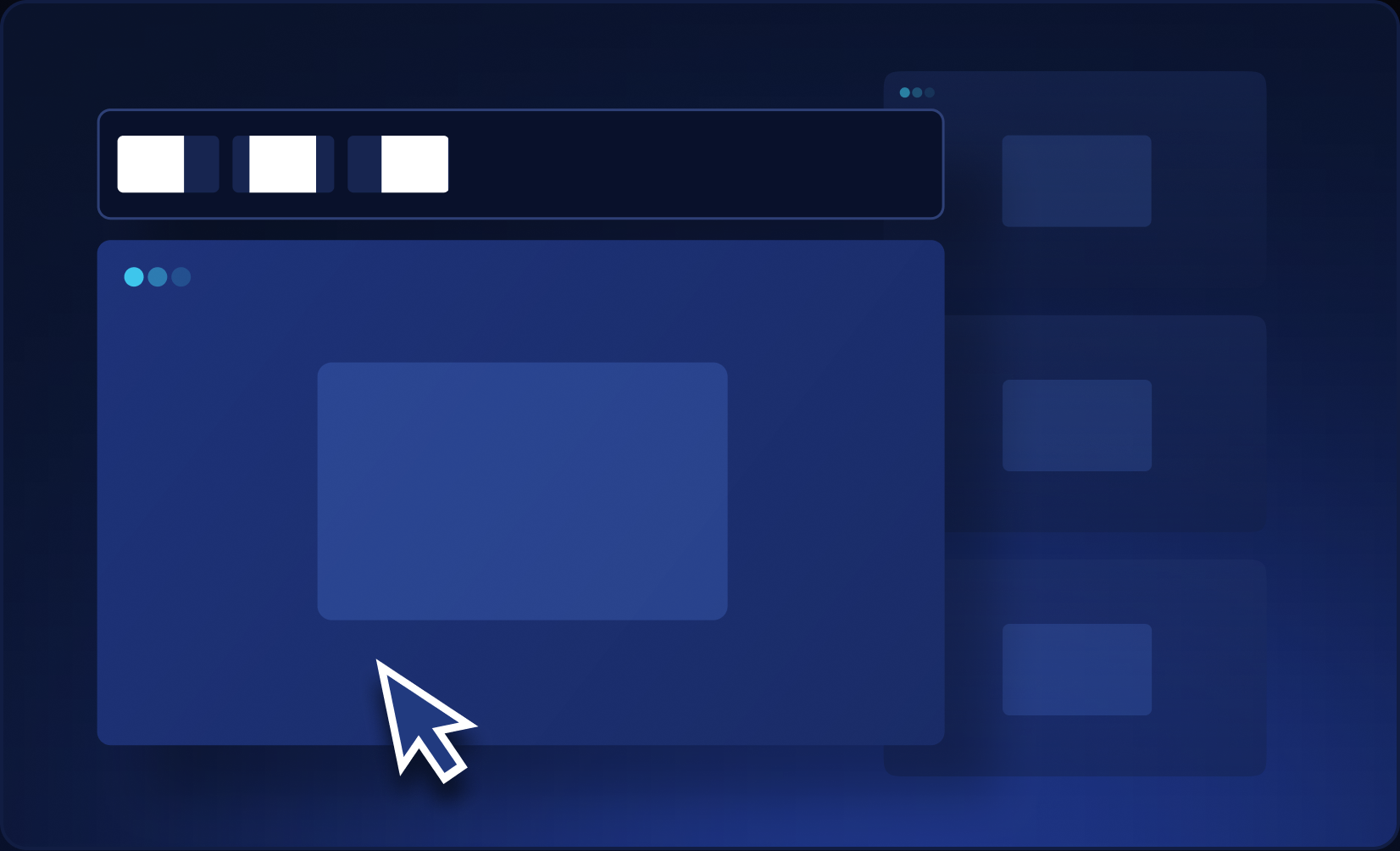

Standardize table sizes across multiple sites.

Your sizes for pre-flop, vs raise, and post-flop. When it's your turn, the value is already in the box.

Forgot who bet preflop? Who c-bet the flop? The hand action history reminds you.

Each new table automatically snaps into place within your layout.

Pot odds, SPR, and effective stack on the table. Position and size just the way you like it.

Set up hotkeys to simplify your actions and save time during the grind.












Our platform gets new integrations constantly.