
HOW TO USE

Easy and simple multi-tabling organizer!

Customize hotkeys, organize layouts and play on multiple platforms simultaneously with maximum efficiency.

System requirements

OS: Windows 7 or higher (Mac coming soon);

Supported sites: PokerStars (pt, es, fr), 888Poker, Party Poker, Winning Network, Microgaming Network, Winamax, SharksPoker, Brasil Poker Live, Ipoker Network, and GG Network.

License verification: online.

About the license: License for 1 user and one machine;
This license is not recurring and expires automatically at the end of your plan, no cancellation required.

Installation: Standard Windows.

Slot Poker Pro was built for players who multi-table frequently and need speed when switching between tables. With automatic alignment via the F10 key, you can organize all your windows in seconds, without wasting time manually adjusting each screen during your session.

The software runs in the background, without interfering with the experience on supported poker sites, and allows you to configure custom hotkeys for quick actions like fold, align, and slot switching. Compatible with Windows 7 or higher, with Mac support in development.

SLOT POKER PRO

Features

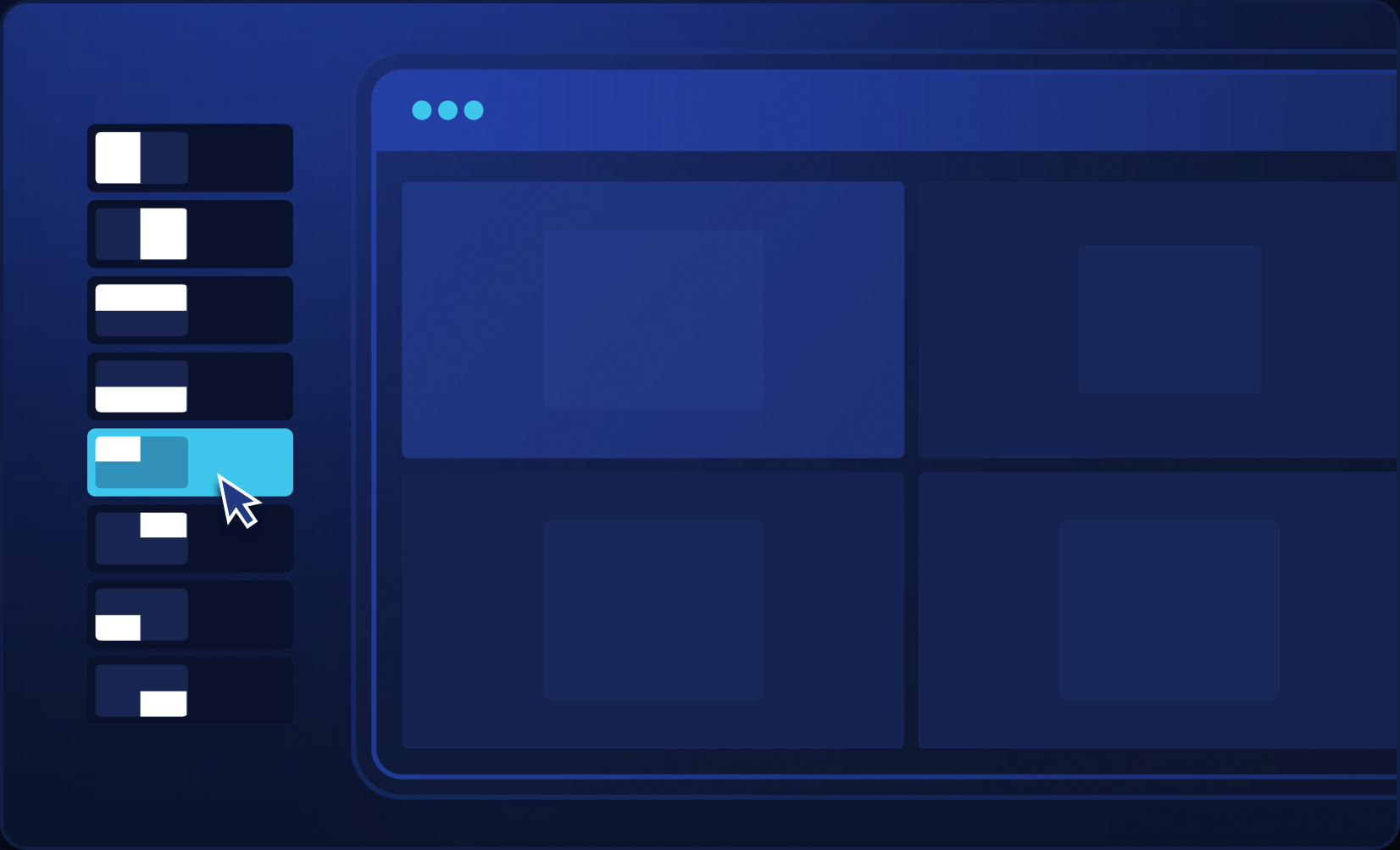
Customized Layout

Design your layout however you like and align screens using the “Using Custom Layout” option, the align button, or via hotkey.
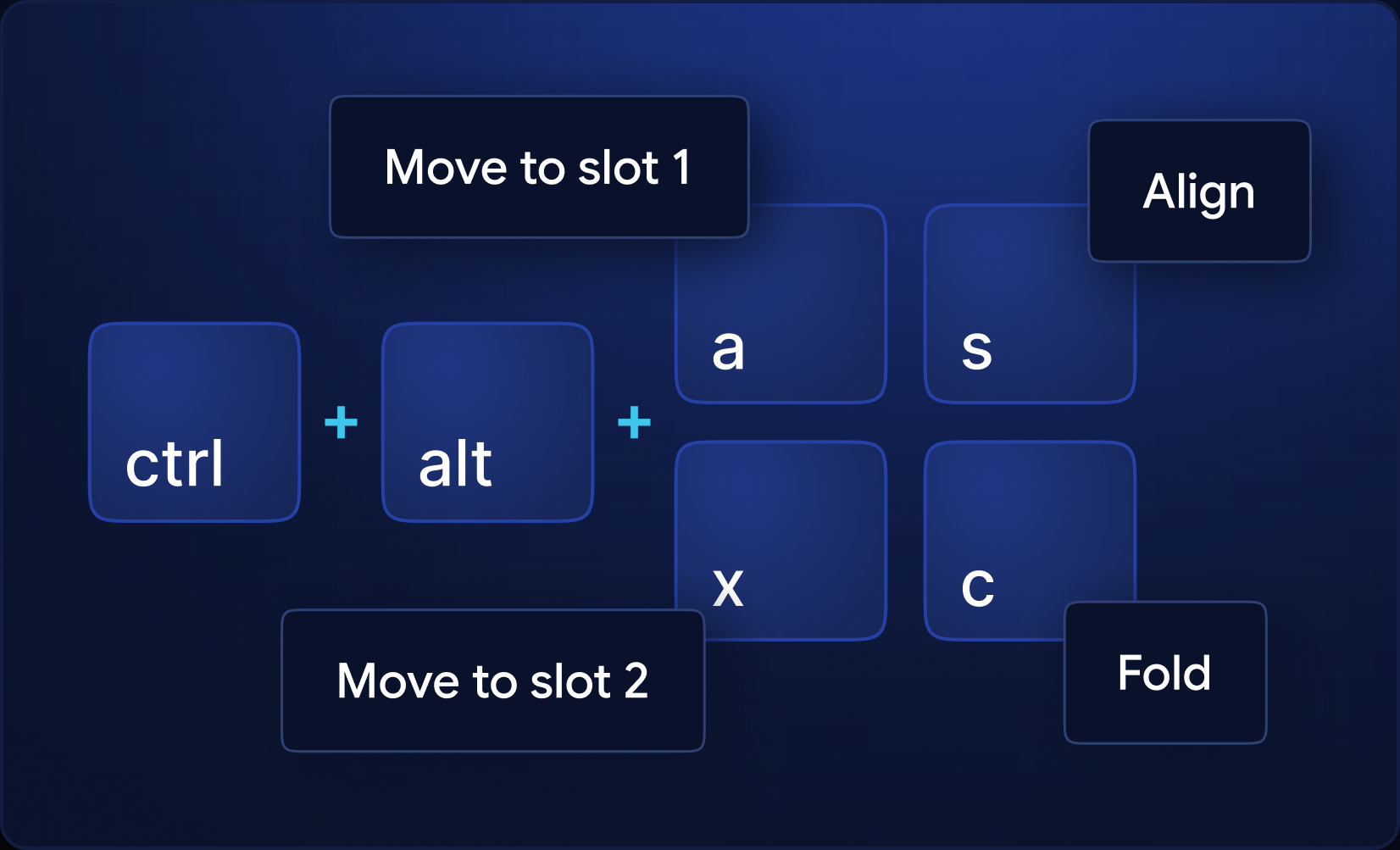
Hotkeys

Fold – * If you use the right mouse button to fold, disable the use of the right button for table customization in the rooms; if there is a native room hotkey, also disable it and change the room language to English – Explainer video.
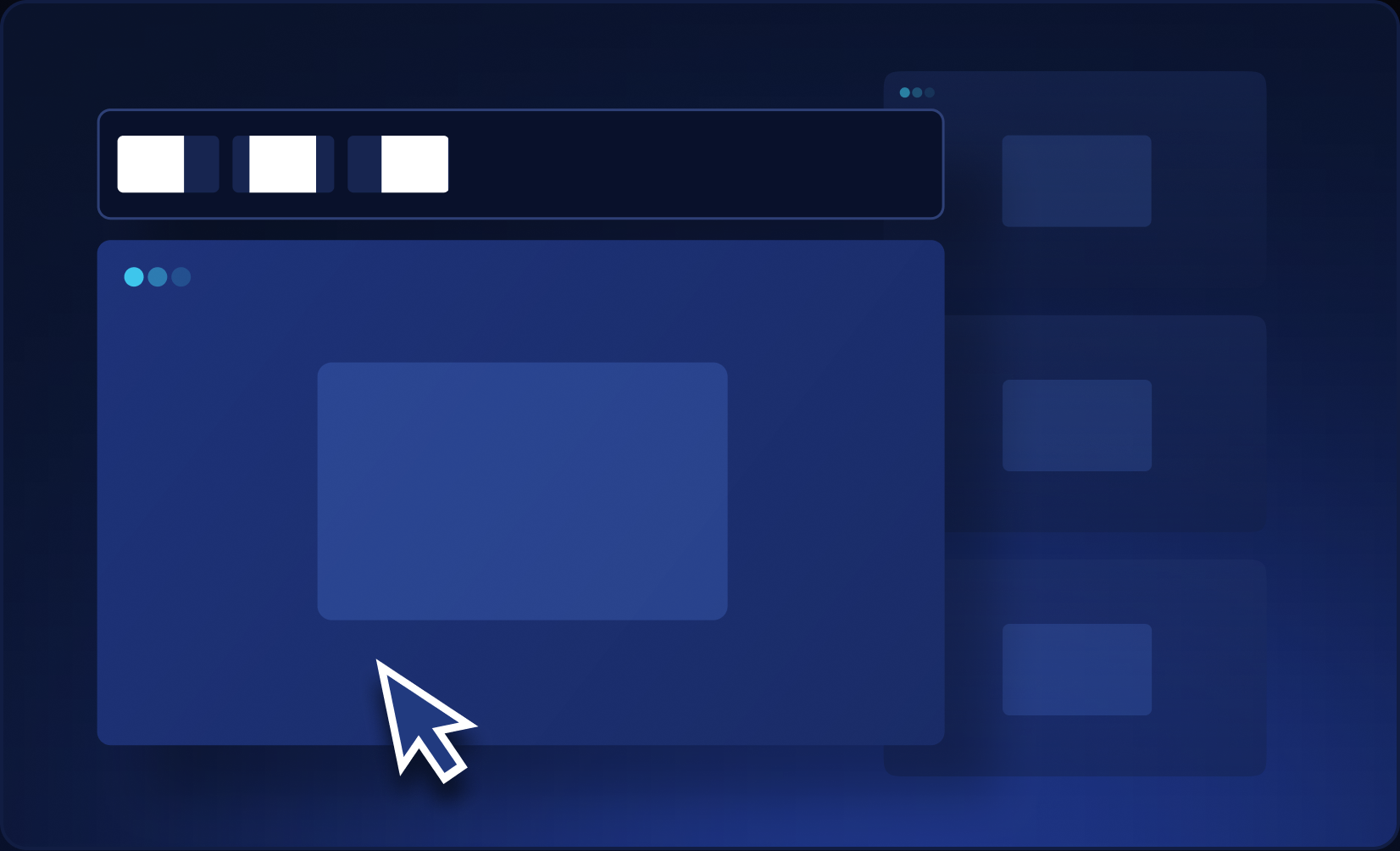
Bring table to focus

When this option is selected, whenever you hover your mouse over a table, it gains focus (foreground).

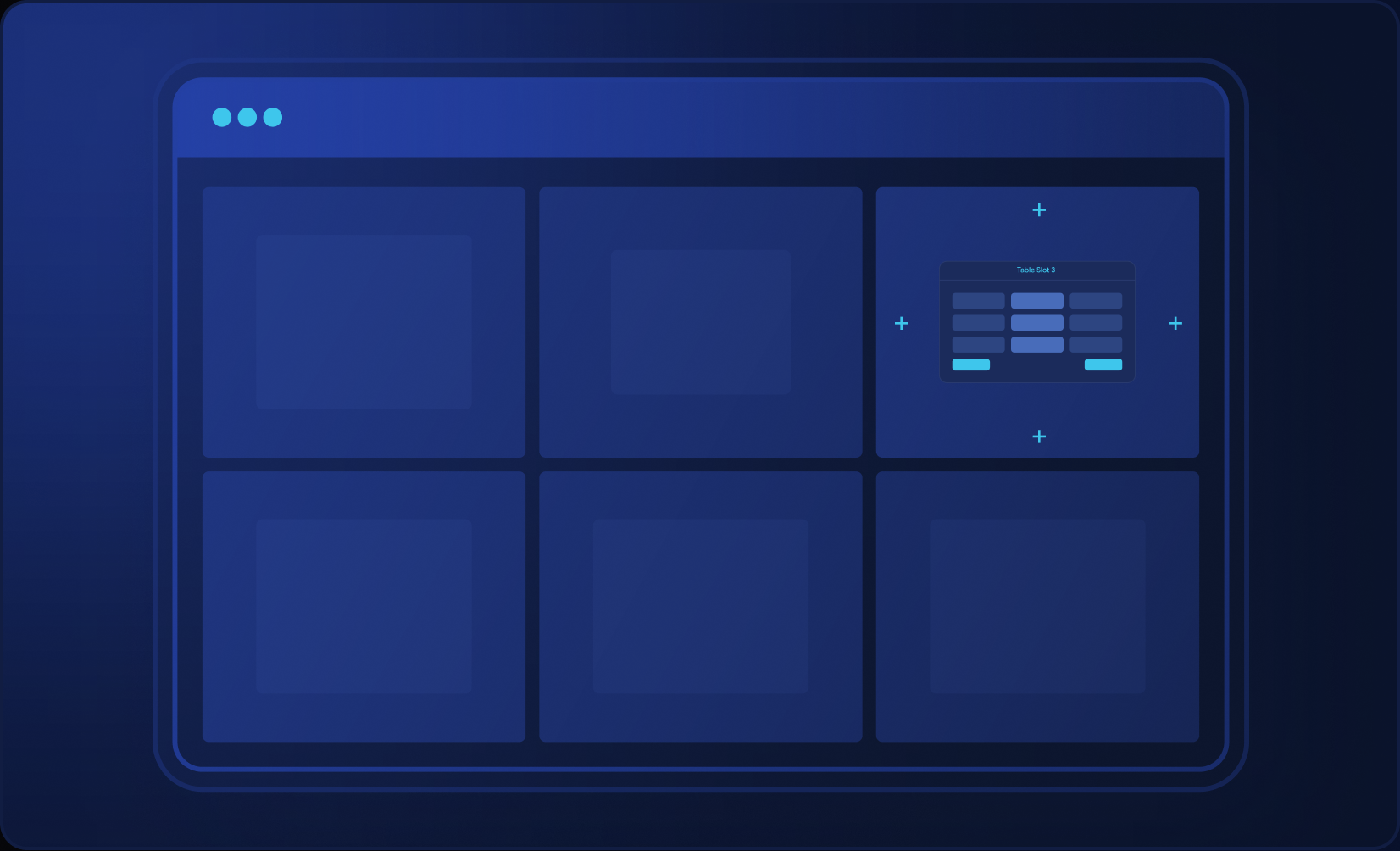
Automatic Alignment

Organize your multi-tabling (for multiple sites at once) in tiled mode by pressing the align button or via hotkey. 
Act only under mouse

If this option is checked, screen alignment will only be done on the monitor where the mouse is positioned.
SLOT POKER PRO

More precision for your grind

illustration - window management

Uniform size alignment

Standardize table sizes across multiple sites.

illustration - bet sizing

One-click bet sizing

Your sizes for pre-flop, vs raise, and post-flop. When it's your turn, the value is already in the box.

illustration - action history

Who did what in the hand?

Forgot who bet preflop? Who c-bet the flop? The hand action history reminds you.

illustration - auto-alignment

Open and align

Each new table automatically snaps into place within your layout.

SPR

Hand numbers on screen

Pot odds, SPR, and effective stack on the table. Position and size just the way you like it.

illustration - full hotkeys

One action, one shortcut

Set up hotkeys to simplify your actions and save time during the grind.

All the
Features

Custom layouts

Auto-alignment

Move table with shortcut

Full hotkeys

Randomizer

Table screenshot

SharkScope search

Advanced bet sizing

Hand action history

Pot odds, SPR, and effective stack

Table position indicator

INTEGRAÇÕES

Compatível com as maiores
plataformas de poker.

Logomarca Pokerstars
Logo Phenom Poker
Logo party poker
Logo 888 poker
Logo WPN
Logo Bodog
Logo I Poker
Logo WPT Global
Logo Coin Poker
Logo compativel com slotpokerpro
Logo Chico Network
Logo Winamax
Logo QQPK
Logo Unibet

Horizon Network

Our platform gets new integrations constantly.

FAQ

Frequently Asked Questions

We've compiled some questions and answers that may help you with your decision.

Does it work on GGPoker?

Yes, until December 1, 2026. After that date, Slot Poker Pro no longer supports GGPoker. You can keep GGPoker open: Slot Poker Pro keeps working normally on the other sites.

If you already have a license, you get the Essential plan until your current plan expires. The old version keeps working, but there is no reason to use it: the new one does everything it does and more, even on Essential.

Slot Poker Pro is the complete app for players who grind many tables, across various rooms, simultaneously. It aligns your tables to the same size, allows you to set hotkeys for actions like fold, and displays pot odds, SPR, and hand history on screen. It's simple to configure and light on your PC: install, open your tables, and play.

Essential organizes your tables and speeds up folding: alignment, consistent sizing across rooms, hotkeys, randomizer, table snapshot, and SharkScope. Premium includes everything from Essential, plus one-click bet sizing, pot odds, SPR, hand action history, hotkeys for call, raise, and all-in, and position indicator.

Slot Poker Pro is designed to respect the terms of each room. It never acts on its own: every action at the table comes from your click or hotkey. When a room doesn't allow a function, Slot Poker Pro disables it for that room. If a room changes its rules, we adjust the app. If in doubt, consult your room's terms or contact support.

PokerStars, GGPoker (until Dec 1), 888poker, PartyPoker, WPT Global, CoinPoker, iPoker, Winning (ACR), Bodog, Chico, Horizon, and Microgaming. Some rooms do not allow all Premium features: see the table of rooms and features. For mobile apps, we have For Apps Green (PPPoker) and For Apps Gold (Suprema Poker). Is your site not on the list? Ask support.

Only what your license needs to work: your email, a code for your PC and the app version. The support file you can create in the app carries only technical data about your machine and which sites are open: no nicknames, no cashier data, and it is generated encrypted. Send this file only to official support. No telemetry. Details in the Privacy Policy.

Your license is for you, on one PC at a time: never on two at once. You can install it on up to 2 computers, such as your home PC and your laptop. The last login wins: when you sign in on one PC, the other is disconnected right away. Changed computers? The new one automatically replaces the oldest.

No. Slot Poker Pro is for Windows only.

On your PC. Layouts, hotkeys, and preferences remain on your computer, and nothing goes to the internet.

Via the chat here on the website (the blue button in the corner of the screen), which responds instantly. If you need to speak to a person, email support@slotpokerpro.com. For questions, technical issues, or new room suggestions, send a screenshot and a short description: it helps resolve issues faster.